

Asp.net如何实现直接在浏览器预览Word、Excel、PDF、Txt文件
创始人
2024-11-28 06:03:16
0次
1.功能说明
输入文件路径,在浏览器输出文件预览信息,经测试360极速(Chrome)、IE9/10、Firefox通过
2.分类文件及代码说明
DemoFiles 存放可测试文件
Default.aspx 启动页
ExcelPreview.cs Excel预览类
public static void Priview(System.Web.UI.Page p, string inFilePath, string outDirPath = "")
 {
 Microsoft.Office.Interop.Excel.Application excel = null;
 Microsoft.Office.Interop.Excel.Workbook xls = null;
 excel = new Microsoft.Office.Interop.Excel.Application();
 object missing = Type.Missing;
 object trueObject = true;
 excel.Visible = false;
 excel.DisplayAlerts = false;
 string randomName = DateTime.Now.Ticks.ToString(); //output fileName
 xls = excel.Workbooks.Open(inFilePath, missing, trueObject, missing,
     missing, missing, missing, missing, missing, missing, missing, missing,
     missing, missing, missing);
 //Save Excel to Html
 object format = Microsoft.Office.Interop.Excel.XlFileFormat.xlHtml;
 Workbook wsCurrent = xls;//(Workbook)wsEnumerator.Current;
 String outputFile = outDirPath + randomName + ".html";
 wsCurrent.SaveAs(outputFile, format, missing, missing, missing,
    missing, XlSaveAsAccessMode.xlNoChange, missing,
    missing, missing, missing, missing);
 excel.Quit();
 //Open generated Html
 Process process = new Process();
 process.StartInfo.UseShellExecute = true;
 process.StartInfo.FileName = outputFile;
 process.Start();
 }
4.PDfPreview.cs Pdf预览类
public static void Priview(System.Web.UI.Page p, string inFilePath)
 {
 p.Response.ContentType = "Application/pdf";
 string fileName = inFilePath.Substring(inFilePath.LastIndexOf('\\') + 1);
 p.Response.AddHeader("content-disposition", "filename=" + fileName);
 p.Response.WriteFile(inFilePath);
 p.Response.End();
 }
5.TextFilePreview.cs 文本文件预览类
 public static void Preview(System.Web.UI.Page p, string inFilePath)
 {
 string fileName = inFilePath.Substring(inFilePath.LastIndexOf('\\') + 1);
 p.Response.ContentType = "text/plain";
 p.Response.ContentEncoding = System.Text.Encoding.UTF8; //保持和文件的编码格式一致
 p.Response.AddHeader("content-disposition", "filename=" + fileName);
 p.Response.WriteFile(inFilePath);
 p.Response.End();
 }
6. WordPreview.cs Word预览类
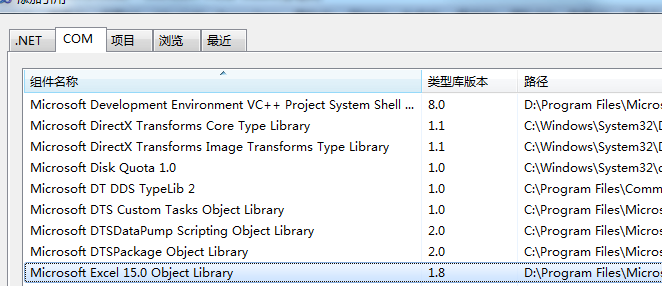
7.Readme.txt 说明了基本功能及引用Com组件的方法(首先需要安装office),需引入的组件包括
Microsoft Word 15.0
Microsoft Excel 15.0
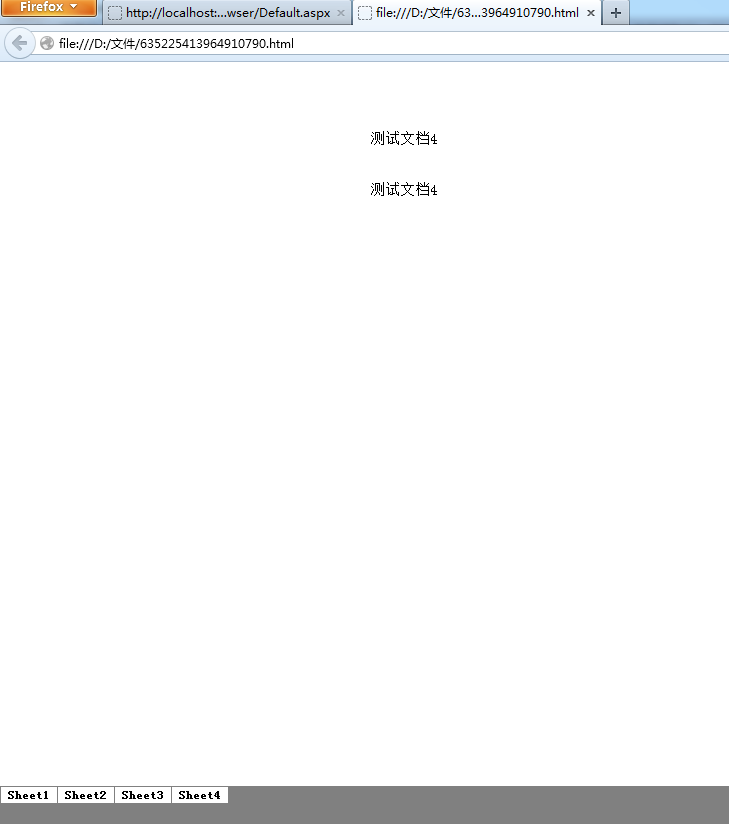
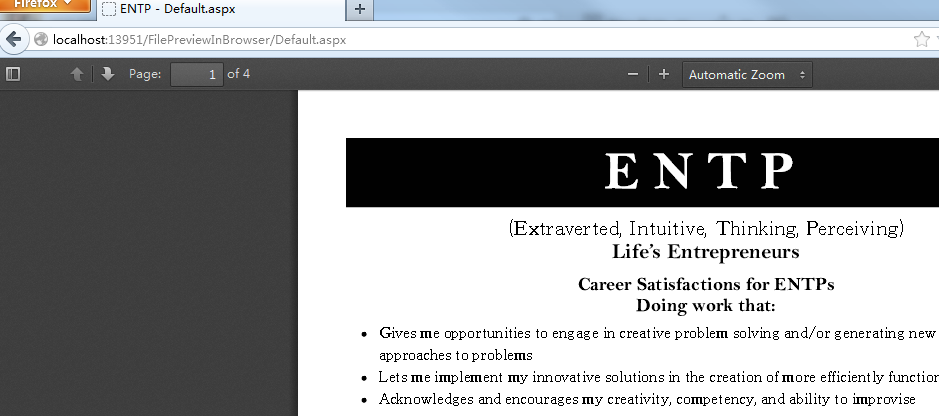
预览效果
1、Word
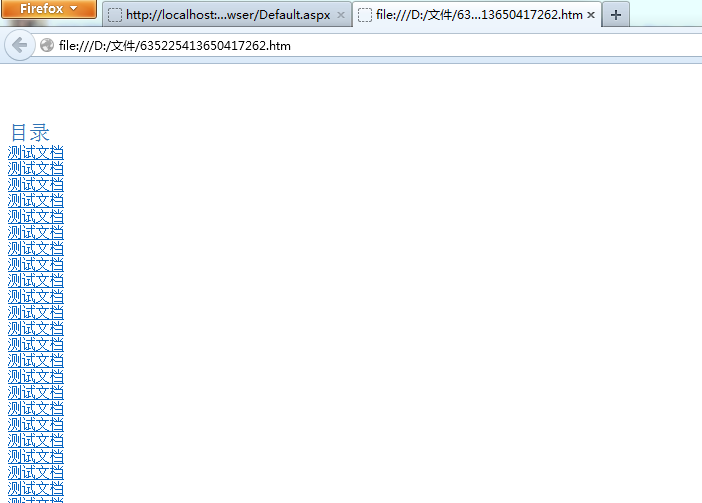
2、Excel
3、Pdf
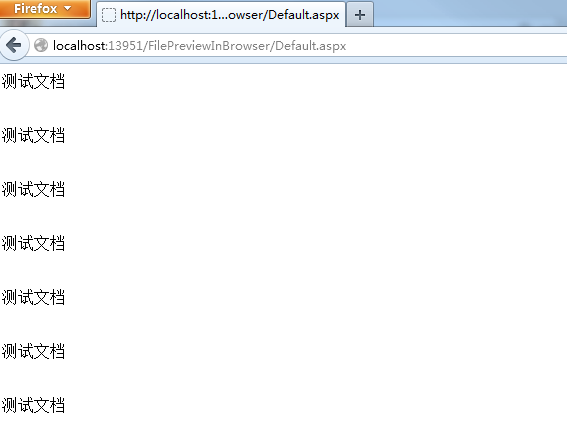
4、Txt
未解决的问题
Pdf、txt文件只能在当前页显示,并导致后退键无效,请各位帮忙解决此两种文件和doc、xls一样在新的tab中打开
相关内容
热门资讯
空调连续工作多久需要停机休息
空调连续工作的时间取决于多个因素,包括空调的型号、功率、使用环境和维护情况等。一般来说,空调可以连续...
空调哪个符号是除湿的
空调除湿功能通常用一个水滴形状的符号表示。不同品牌和型号的空调遥控器可能会有所差异,但一般来说,除湿...
格力空调多长时间加一次氟利昂
1、一般情况下,空调对氟利昂的使用量是非常小的,所以在空调使用了四年左右的时候再考虑加也没问题。2、...
空调用多长时间需要加氟一次
一般情况下是五年。当出现以下这几种情况时,空调才需要加氟。1、空调的室内机和室外机各有两个接口,当接...
格调生活·C标思享荟:卡萨帝在...
9月12日的郑州龙湖金融岛,夜风轻拂,灯光璀璨。“C标时刻共传奇——卡萨帝思享荟暨20周年品牌盛典郑...
品牌价值破千亿、高端份额持续领...
9月12日,“C标时刻共传奇——卡萨帝思享荟暨20周年品牌盛典郑州站”在郑州龙湖金融岛举办。2026...
空调主板坏了修800还是换新的
空调主板坏了是修还是换新,需要考虑多个因素,以下是一些建议:1. 维修成本:如果维修费用较低,比如 ...
空调开多久需要休息多长时间
问题:空调开多久需要休息多长时间回答:1、在使用空调的过程中,一般空调开7~8个小时左右需要休息2~...
中央空调多长时间清洗一次
1、一般空调开机前清洗一次即可,空调开机中间时段再清洗一次,空调关机时清洗一次,这样比较合理。2、空...
中央空调氟利昂多久加一次
看空调制热和制冷程度,很多人的观点认为氟利昂必须一年放一次,其实这个观点是错误的,理解上面有点偏差,...