

Install Exchange 2019 on Windows Server 2019 Core
1.Install Windows Server 2019 Core

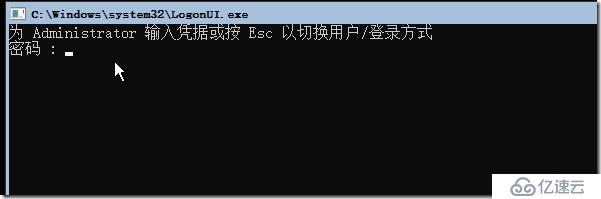

Run sconfig.cmd to configure the server (in this order):
- 2) Change Computer Name and restart. You must do this first if you're recovering an existing Exchange 2019 server.
- 8) Configure Network Settings (it's currently using DHCP). Set static IP, netmask, and default gateway. Then configure the DNS Servers.
- 7) Enable Remote Desktop (optional)
- 5) Configure Windows Update Settings (Automatic, DownloadOnly, or Manual)
- 6) Download and Install Updates
- 10) Configure Telemetry settings (optional)
- 1) Change Domain/Workgroup to join a domain. Restart.
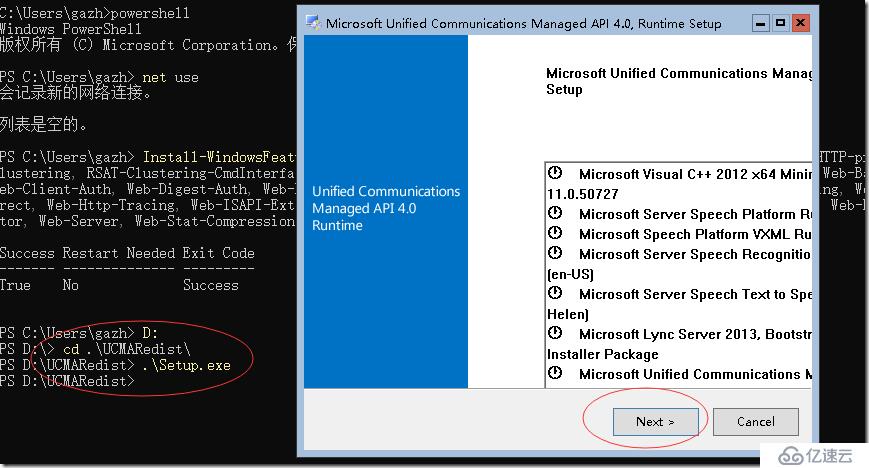
install on win2019 Server Core:
Install-WindowsFeature Server-Media-Foundation, NET-Framework-45-Features, RPC-over-HTTP-proxy, RSAT-Clustering, RSAT-Clustering-CmdInterface, RSAT-Clustering-PowerShell, WAS-Process-Model, Web-Asp-Net45, Web-Basic-Auth, Web-Client-Auth, Web-Digest-Auth, Web-Dir-Browsing, Web-Dyn-Compression, Web-Http-Errors, Web-Http-Logging, Web-Http-Redirect, Web-Http-Tracing, Web-ISAPI-Ext, Web-ISAPI-Filter, Web-Metabase, Web-Mgmt-Service, Web-Net-Ext45, Web-Request-Monitor, Web-Server, Web-Stat-Compression, Web-Static-Content, Web-Windows-Auth, Web-WMI, RSAT-ADDS

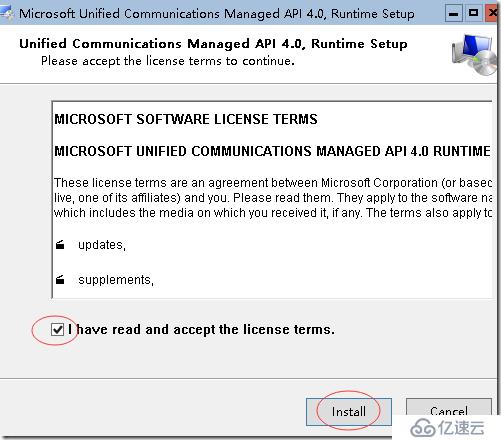
Setup will tell you to download UCMA 4.0 from a URL, but that setup won't work on Server Core. Instead, install the version included in the Exchange Server 2019 ISO in the UCMARedist folder.

1)扩展 AD
.\Setup.exe /PrepareSchema /IAcceptExchangeServerLicenseTerms
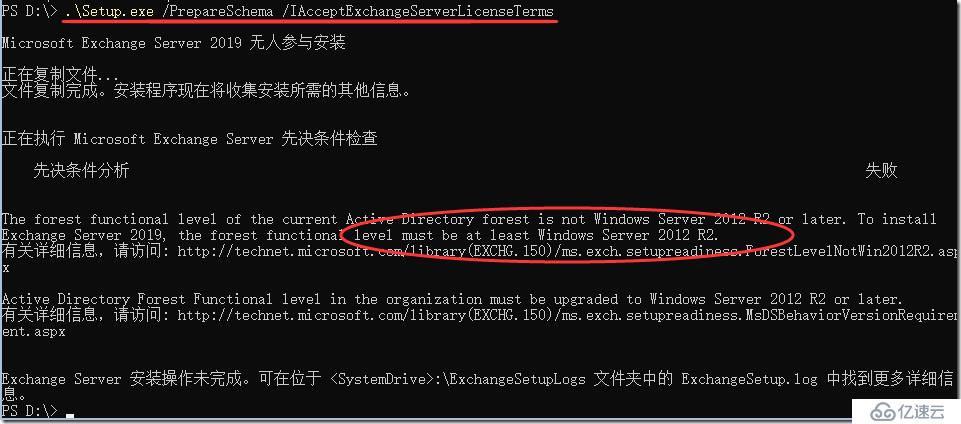
失败的原因是forest level 要win 2012 r2 以上:
下面去提升森林和域的级别:

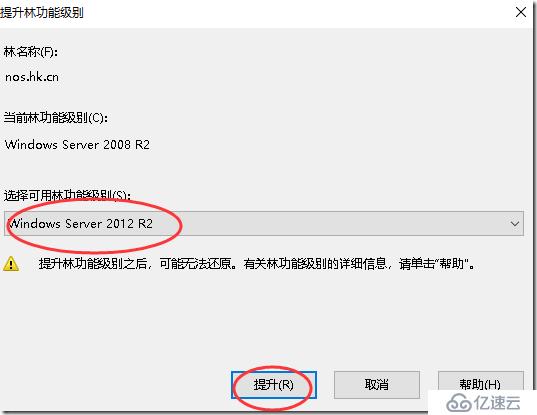
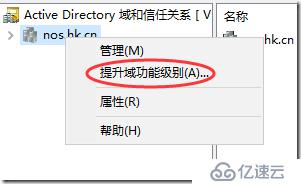
重新运行扩展:
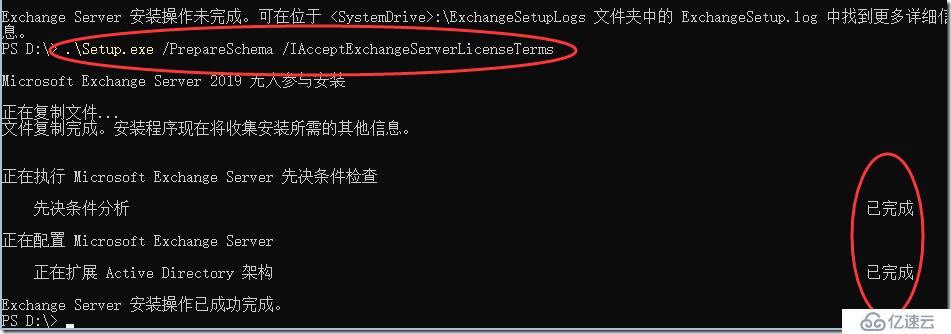
AD架构扩展完成。
.\Setup.exe /PrepareAD /OrganizationName:"NOS" /IAcceptExchangeServerLicenseTerms
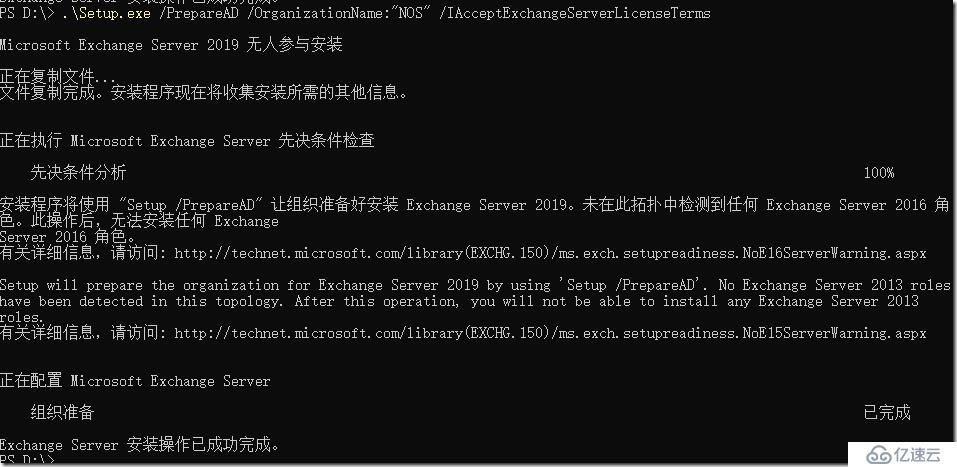
组织准备完成后,就可以安装了:
d:\Setup.exe /m:install /roles:m /IAcceptExchangeServerLicenseTerms /InstallWindowsComponents /CustomerFeedbackEnabled:false
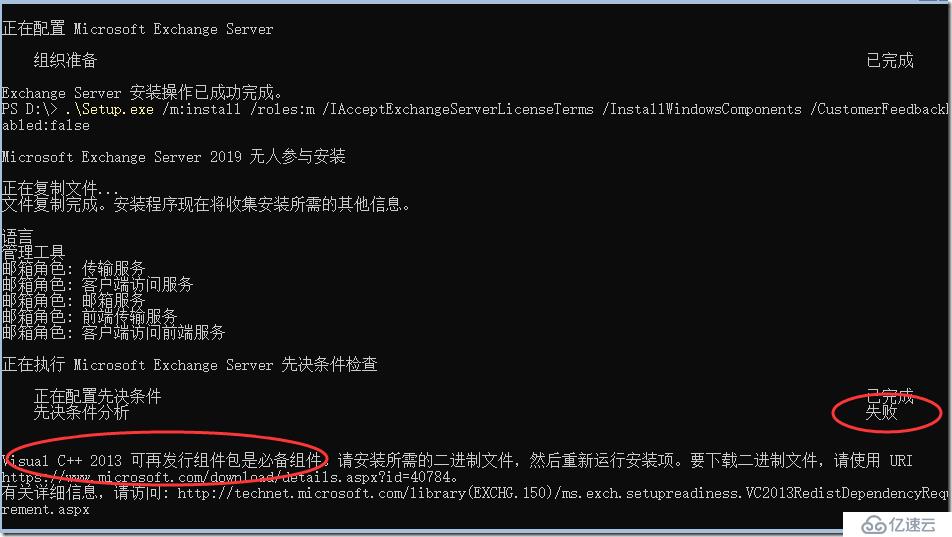
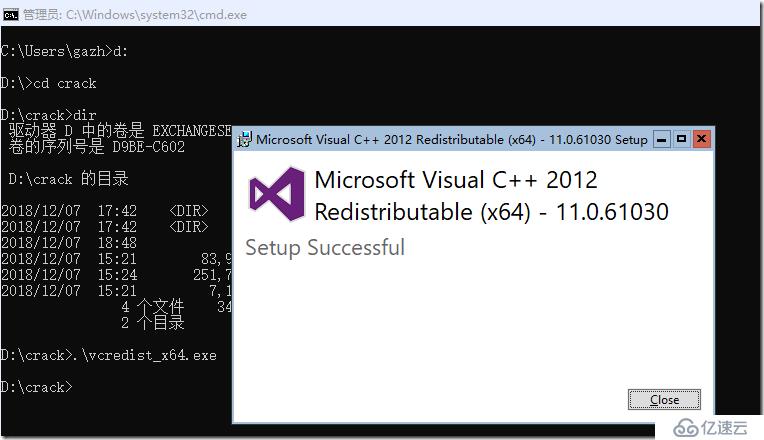
没有安装 visual c++ 2013:https://www.microsoft.com/download/details.aspx?id=40784
Start-BitsTransfer -Source https://download.microsoft.com/download/2/E/6/2E61CFA4-993B-4DD4-91DA-3737CD5CD6E3/vcredist_x64.exe -Destination c:\vcredist_x64.exe
c:\vcredist_x64.exe

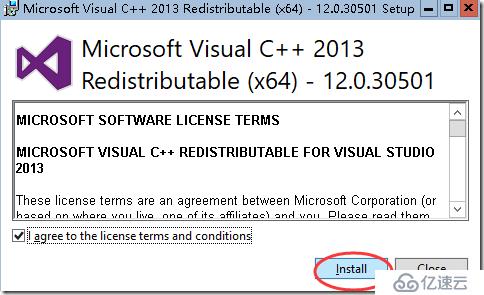
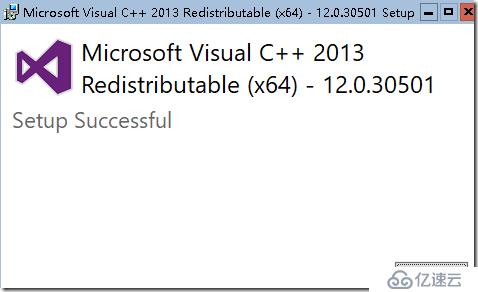
重新运行安装Exchange 2019
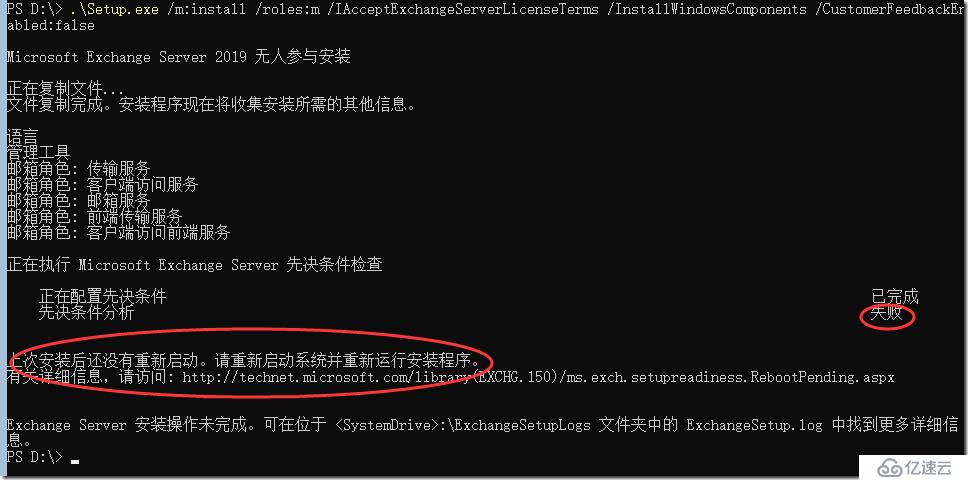
重新启动服务器:
shutdown –r –t 0
再次重新运行安装:d:\Setup.exe /m:install /roles:m /IAcceptExchangeServerLicenseTerms /InstallWindowsComponents /CustomerFeedbackEnabled:false
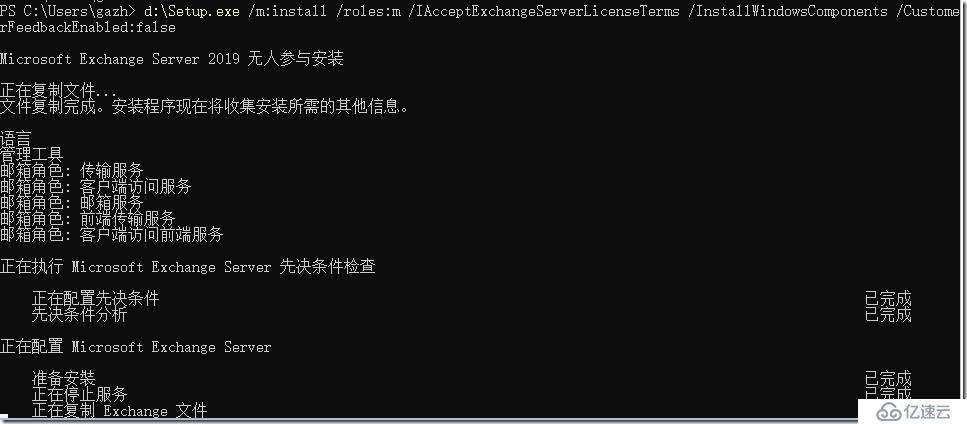
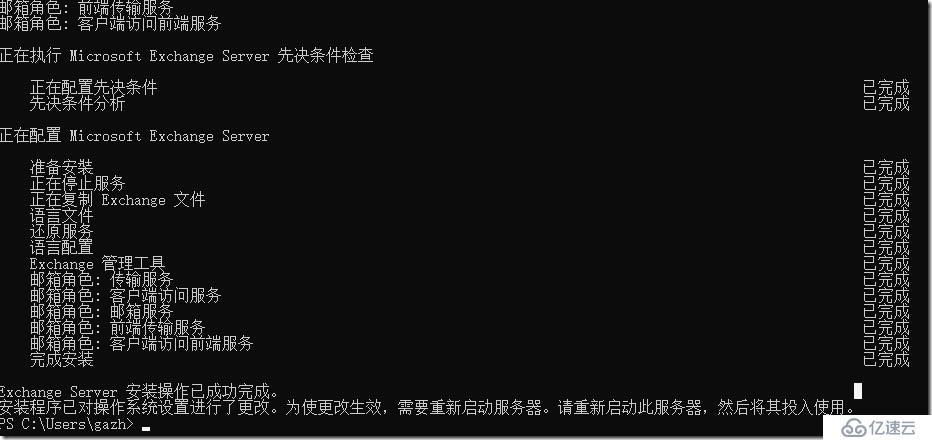
经过漫长的等待,安装完成。按要求重启。
Before you can run Exchange Powershell commands from a regular Powershell console, you need to do the following:
- Install the Exchange Management Tools (if not already installed) from the Exchange installation media
- Import the Exchange module into your Powershell session
The command to import the Exchange modules is different for each version – use the appropriate command below:
Exchange 2007
Add-PSSnapin Microsoft.Exchange.Management.PowerShell.Admin;
Exchange 2010
Add-PSSnapin Microsoft.Exchange.Management.PowerShell.E2010;
Exchange 2013 & 2016&2019
Add-PSSnapin Microsoft.Exchange.Management.PowerShell.SnapIn;
. Post-Installation Tasks:
Add-PSSnapin Microsoft.Exchange.Management.PowerShell.SnapIn;Set-ExchangeServer veeam-ex19 -ProductKey G3FMN-FGW6B-MQ9VW-YVFV8-292KP
Restart-Service MSExchangeIS
上一篇:配置一台路由器 两台电脑的重点
下一篇:域中账号信息导入导出