

前端技术之:Prisma Demo服务部署过程记录
安装前提条件:
1、已经安装了docker运行环境
2、以下命令执行记录发生在MackBook环境
3、已经安装了PostgreSQL(我使用的是11版本)
4、Node开发运行环境可以正常工作
首先需要通过Node包管理器安装Prisma工具:
npm install -g prisma
然后,创建并初始化prisma项目:
prisma init prisma-study
? Set up a new Prisma server or deploy to an existing server? (Use arrow keys)
You can set up Prisma for local development (based on docker-compose)
❯ Use existing database Connect to existing database
Create new database Set up a local database using Docker
Or deploy to an existing Prisma server:
Demo server Hosted demo environment incl. database (requires login)
Use other server Manually provide endpoint of a running Prisma server
选择使用已存在的数据库(Use existing database)后,回车确认选择。
? Set up a new Prisma server or deploy to an existing server? Use existing database
? What kind of database do you want to deploy to?
MySQL MySQL compliant databases like MySQL or MariaDB
❯ PostgreSQL PostgreSQL database
移动上下箭头键盘按键,选择PostgreSQL后,再次回车确认选择。
? Set up a new Prisma server or deploy to an existing server? Use existing database
? What kind of database do you want to deploy to? PostgreSQL
? Does your database contain existing data? (Use arrow keys)
❯ No
Yes (experimental - Prisma migrations not yet supported)
Warning: Introspecting databases with existing data is currently an experimental feature. If you find any issues, please report them here: https://github.co
m/prisma/prisma/issues
提示是否在选择的数据库中包含已存在数据。因为是一个新库,所以默认选择No,然后回车确认。
? Set up a new Prisma server or deploy to an existing server? Use existing database
? What kind of database do you want to deploy to? PostgreSQL
? Does your database contain existing data? No
? Enter database host (localhost)
输入数据库的主机地址(注意,因为prisma会运行在docker中,所以,这儿需要配置宿主机IP,在类Linux系统上可以通过ifconfig命令来获取IP)。
? Set up a new Prisma server or deploy to an existing server? Use existing database
? What kind of database do you want to deploy to? PostgreSQL
? Does your database contain existing data? No
? Enter database host 10.111.152.242
? Enter database port (5432)
回车确认使用默认的Postgres数据库的端口。
? Set up a new Prisma server or deploy to an existing server? Use existing database
? What kind of database do you want to deploy to? PostgreSQL
? Does your database contain existing data? No
? Enter database host 10.xxx.xxx.xxx(此处为你的docker宿主机IP)
? Enter database port 5432
? Enter database user
输入数据库的用户名后回车确认。
? Set up a new Prisma server or deploy to an existing server? Use existing database
? What kind of database do you want to deploy to? PostgreSQL
? Does your database contain existing data? No
? Enter database host 10.xxx.xxx.xxx(此处为你的docker宿主机IP)
? Enter database port 5432
? Enter database user postgres
? Enter database password
输入数据库用户对应的密码后回车确认。
? Set up a new Prisma server or deploy to an existing server? Use existing database
? What kind of database do you want to deploy to? PostgreSQL
? Does your database contain existing data? No
? Enter database host 10.xxx.xxx.xxx(此处为你的docker宿主机IP)
? Enter database port 5432
? Enter database user postgres
? Enter database password study
? Enter database name
输入使用的数据库名称后回车。
? Set up a new Prisma server or deploy to an existing server? Use existing database
? What kind of database do you want to deploy to? PostgreSQL
? Does your database contain existing data? No
? Enter database host 10.xxx.xxx.xxx(此处为你的docker宿主机IP)
? Enter database port 5432
? Enter database user postgres
? Enter database password study
? Enter database name study
? Use SSL? (Y/n)
提示是否使用安全的网络协议,这里选择不使用(输入n后回车)。
? Set up a new Prisma server or deploy to an existing server? Use existing database
? What kind of database do you want to deploy to? PostgreSQL
? Does your database contain existing data? No
? Enter database host 10.xxx.xxx.xxx(此处为你的docker宿主机IP)
? Enter database port 5432
? Enter database user postgres
? Enter database password study
? Enter database name study
? Use SSL? No
Connecting to database 18ms
? Select the programming language for the generated Prisma client
Prisma TypeScript Client
Prisma Flow Client
❯ Prisma JavaScript Client
Prisma Go Client
Don't generate
这里选择产生JavaScript客户端脚本(Prisma JavaScript Client)。
? Set up a new Prisma server or deploy to an existing server? Use existing database
? What kind of database do you want to deploy to? PostgreSQL
? Does your database contain existing data? No
? Enter database host 10.xxx.xxx.xxx(此处为你的docker宿主机IP)
? Enter database port 5432
? Enter database user postgres
? Enter database password study
? Enter database name study
? Use SSL? No
Connecting to database 18ms
? Select the programming language for the generated Prisma client Prisma JavaScript Client
Created 3 new files:
prisma.yml Prisma service definition
datamodel.prisma GraphQL SDL-based datamodel (foundation for database)
docker-compose.yml Docker configuration file
Next steps:
1. Open folder: cd prisma-study
2. Start your Prisma server: docker-compose up -d
3. Deploy your Prisma service: prisma deploy
4. Read more about Prisma server:
http://bit.ly/prisma-server-overview
Generating schema... 20ms
Saving Prisma Client (JavaScript) at /Users/chunrong.liu/dev/study/prisma-study/generated/prisma-client/
至此,Prisma项目创建并初始化完毕。
接下来按昭Next steps下面的步骤提示执行后续操作。
通过以下命令切换当前目录至刚创建的项目目录(prisma-study)中。
cd prisma-study/
通过docker编排命令在docker中运行prisma服务器。
docker-compose up -d
执行后命令行提示如下:
Creating prisma-study_prisma_1 … done
此时服务运行成功。
通过以下命令部署prisma服务。
$ prisma deploy
Creating stage default for service default ✔
Deploying service `default` to stage `default` to server `local` 476ms
Changes:
User (Type)
+ Created type `User`
+ Created field `id` of type `GraphQLID!`
+ Created field `name` of type `String!`
+ Created field `updatedAt` of type `DateTime!`
+ Created field `createdAt` of type `DateTime!`
Applying changes 1.2s
Your Prisma GraphQL database endpoint is live:
HTTP: http://localhost:4466
WS: ws://localhost:4466
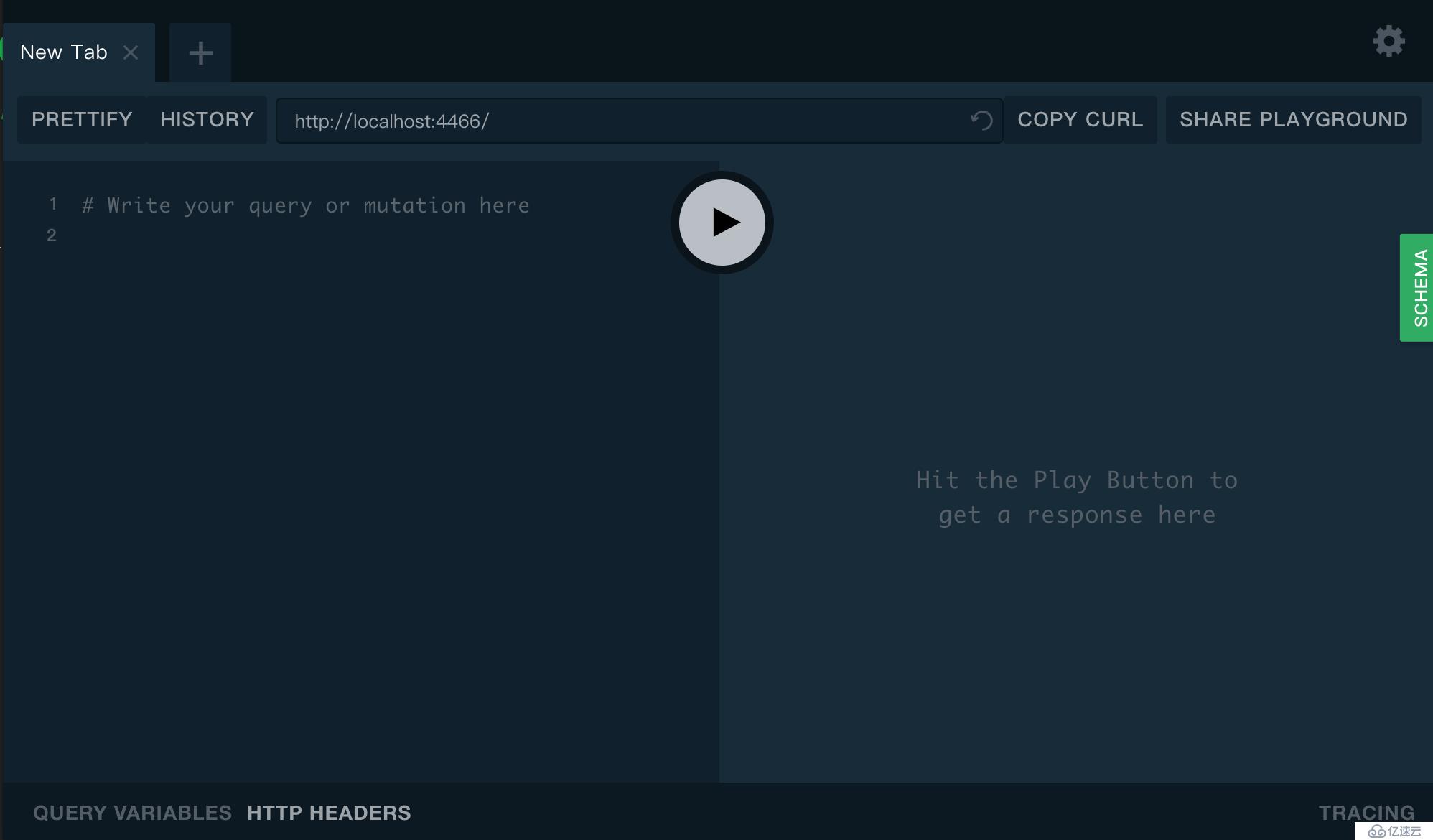
用流程器打开http://localhost:4466/链接地址,可以看到如下的UI界面。
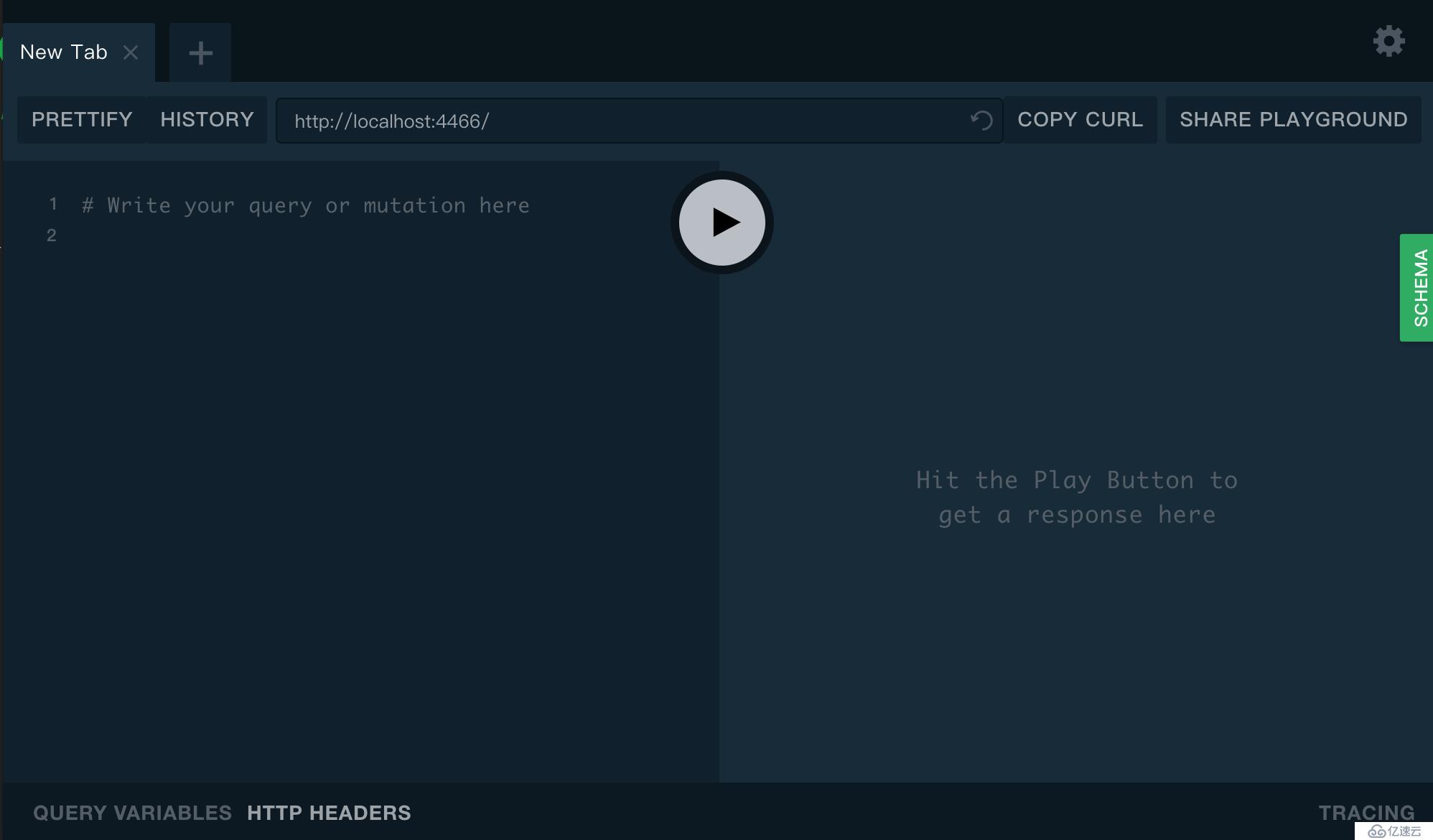
运行如下命令可以看到演练数据:
$ prisma playground
Serving playground at http://localhost:3000/playground
此时会自动打开浏览器,并显示如下界面:
关于数据库无法连接的问题:
https://blog.csdn.net/liuchunming033/article/details/44810899
官方参考资料地址:
https://www.prisma.io/docs/quickstart/
下一篇:npm安装cnpm