

jQuery元素的尺寸、位置和页面滚动事件
admin
2023-02-13 10:40:00
0次
1.获取和设置元素的尺寸
获取尺寸
2.获取元素相对页面的绝对位置:offset()
$(function(){
    var div = $('.box');
    div.click(function(){

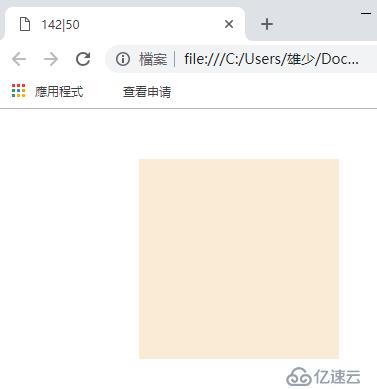
        var oPos = $('.box').offset(); /*获取页面绝对位置*/
        /*console.log(oPos);*/
        document.title = oPos.left + '|' + oPos.top;  /*更改标签*/
    })

})
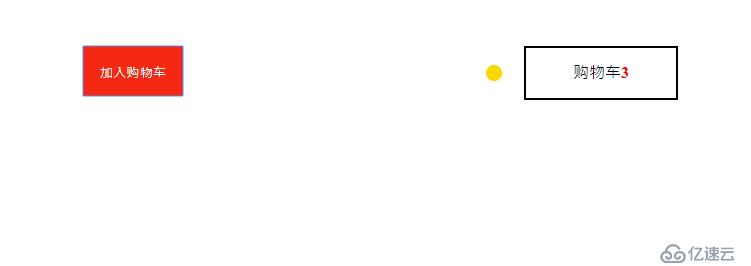
例子:购物车
购物车
3.获取浏览器可视宽度高度
4.获取页面文档的宽度高度
$(function(){
/可视区屏幕范围/
console.log('可视区宽度:'+$(window).width());
console.log('可视区高度:'+$(window).height());
/实际文本范围/
console.log('text区宽度:'+$(document).width());
console.log('text区高度:'+$(document).height());
})**5.获取页面滚动距离**/页面滚动距离/
console.log('上滚动距离:'+$(document).scrollTop());
console.log('左滚动距离:'+$(document).scrollLeft());**6.页面滚动事件**
滚动菜单
上一篇:jQuery属性操作、循环
下一篇:jQuery特性效果与链式调用
相关内容

热门资讯
空调连续工作多久需要停机休息
空调连续工作的时间取决于多个因素,包括空调的型号、功率、使用环境和维护情况等。一般来说,空调可以连续...
空调哪个符号是除湿的
空调除湿功能通常用一个水滴形状的符号表示。不同品牌和型号的空调遥控器可能会有所差异,但一般来说,除湿...
格力空调多长时间加一次氟利昂
1、一般情况下,空调对氟利昂的使用量是非常小的,所以在空调使用了四年左右的时候再考虑加也没问题。2、...
空调用多长时间需要加氟一次
一般情况下是五年。当出现以下这几种情况时,空调才需要加氟。1、空调的室内机和室外机各有两个接口,当接...
格调生活·C标思享荟:卡萨帝在...
9月12日的郑州龙湖金融岛,夜风轻拂,灯光璀璨。“C标时刻共传奇——卡萨帝思享荟暨20周年品牌盛典郑...
品牌价值破千亿、高端份额持续领...
9月12日,“C标时刻共传奇——卡萨帝思享荟暨20周年品牌盛典郑州站”在郑州龙湖金融岛举办。2026...
空调主板坏了修800还是换新的
空调主板坏了是修还是换新,需要考虑多个因素,以下是一些建议:1. 维修成本:如果维修费用较低,比如 ...
空调开多久需要休息多长时间
问题:空调开多久需要休息多长时间回答:1、在使用空调的过程中,一般空调开7~8个小时左右需要休息2~...
中央空调多长时间清洗一次
1、一般空调开机前清洗一次即可,空调开机中间时段再清洗一次,空调关机时清洗一次,这样比较合理。2、空...
中央空调氟利昂多久加一次
看空调制热和制冷程度,很多人的观点认为氟利昂必须一年放一次,其实这个观点是错误的,理解上面有点偏差,...